

Installation
Choose your preferred method to run GAIA AI locally:- Docker (Recommended)
- Local Development
1
Requirements
- Git
- Docker & Docker Compose (Install here)
2
Clone the repository
3
Start GAIA AI
4
Open your browser
Go to
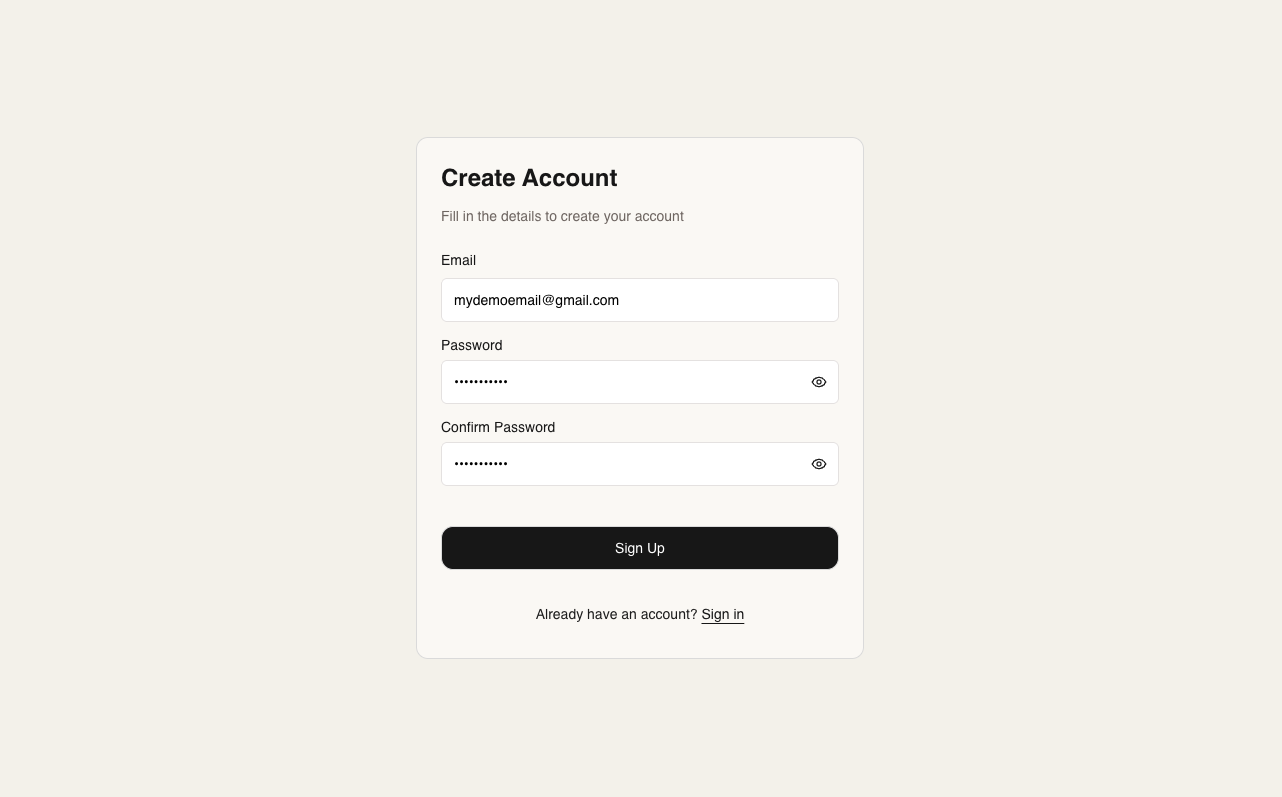
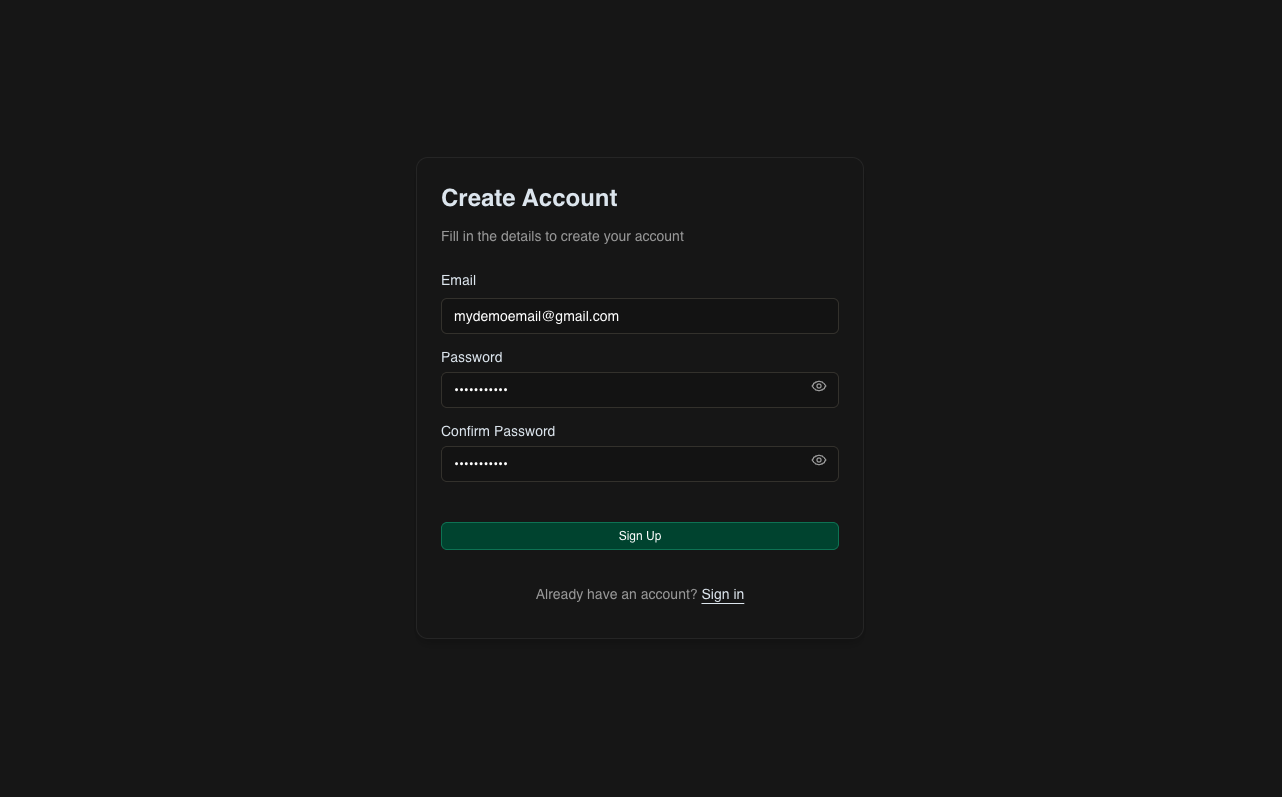
http://localhost:5679Create Your First Project
Set Up Your Project Components
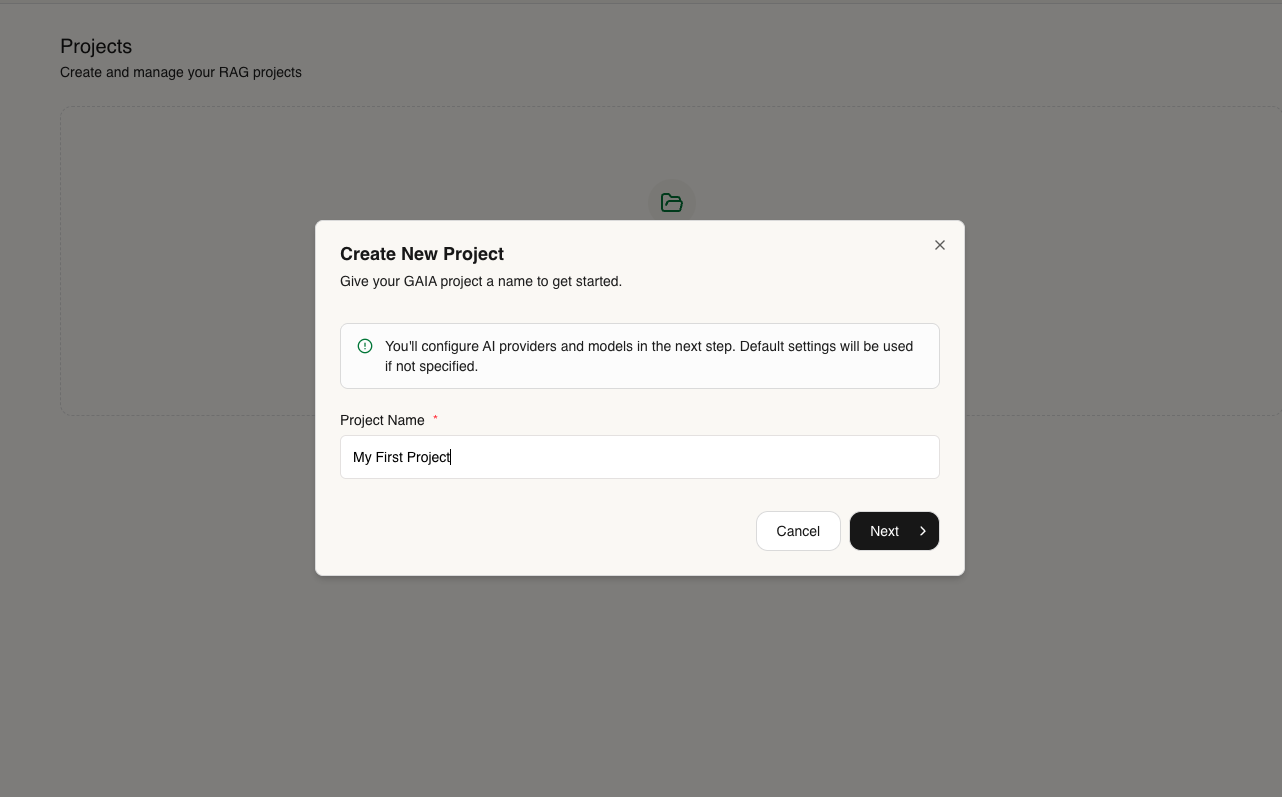
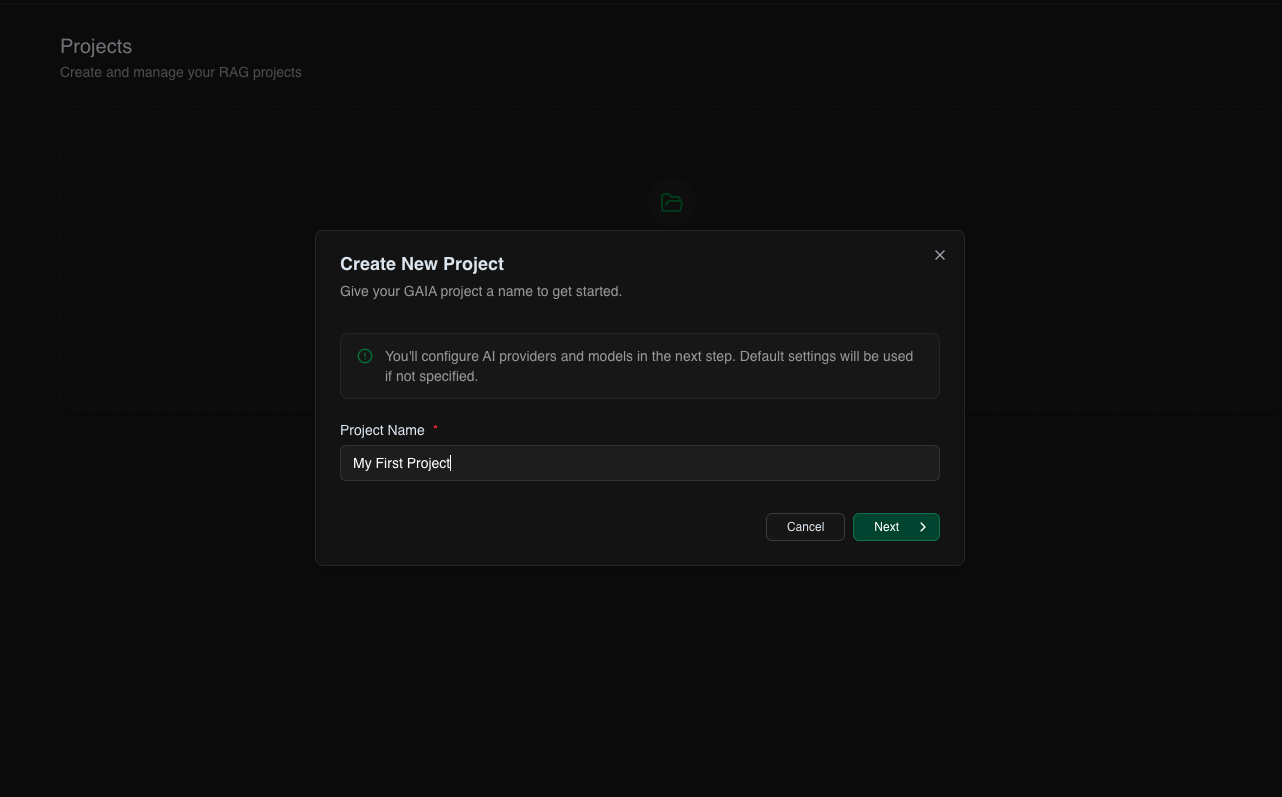
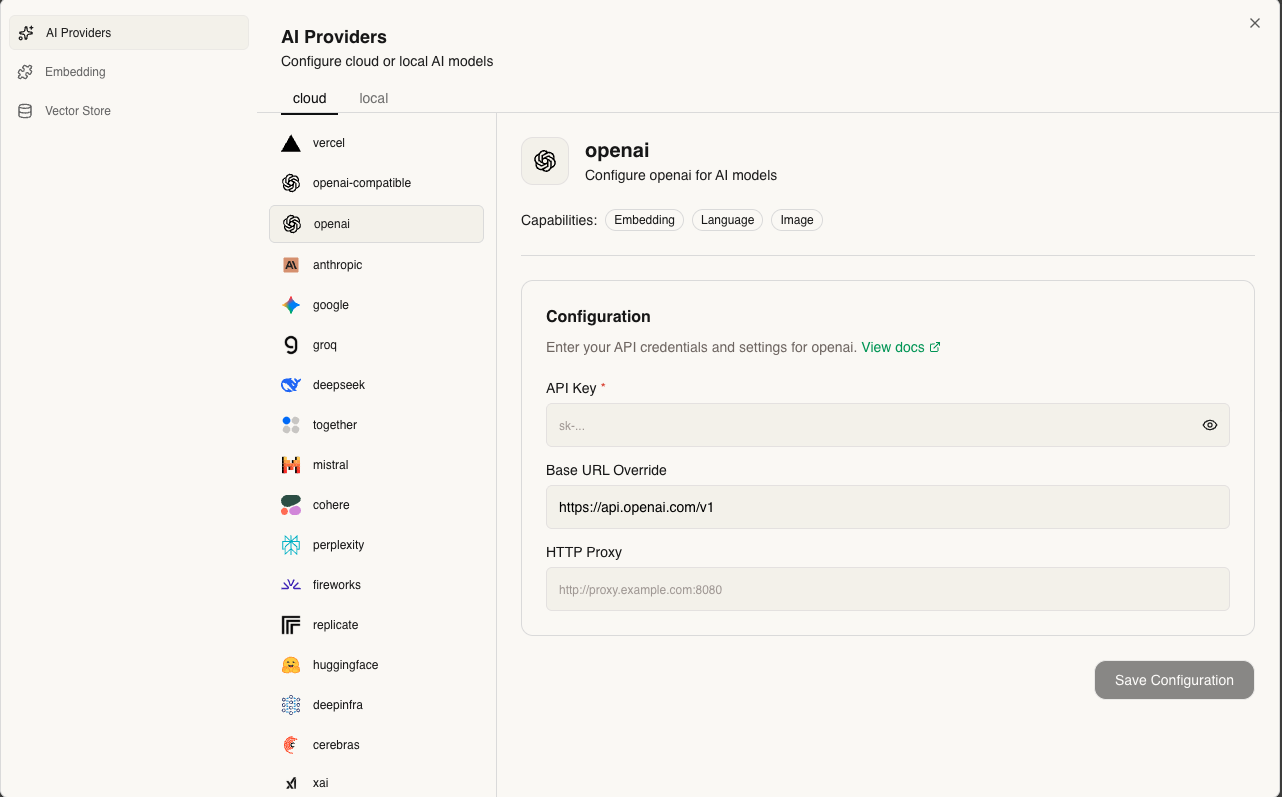
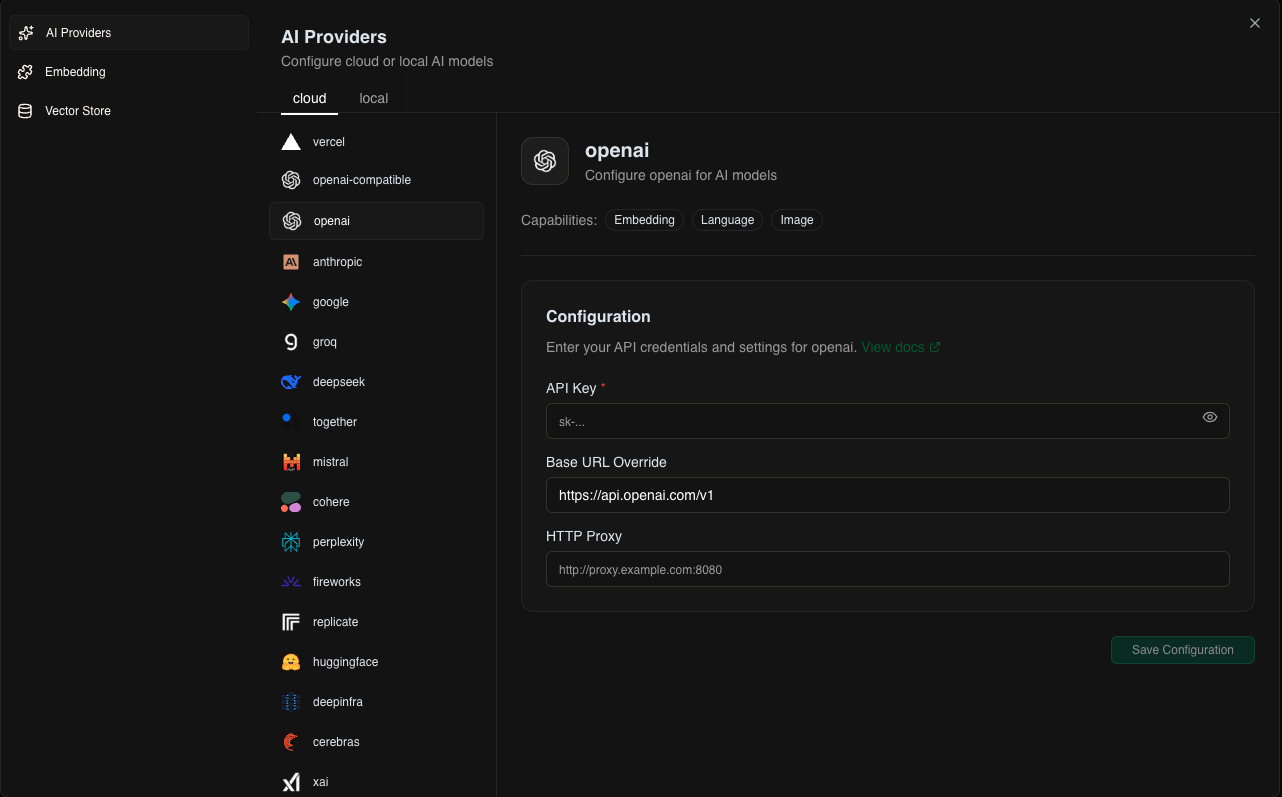
- Local: Ollama or openai compatible models
- Cloud: OpenAI, Anthropic, Google, etc.
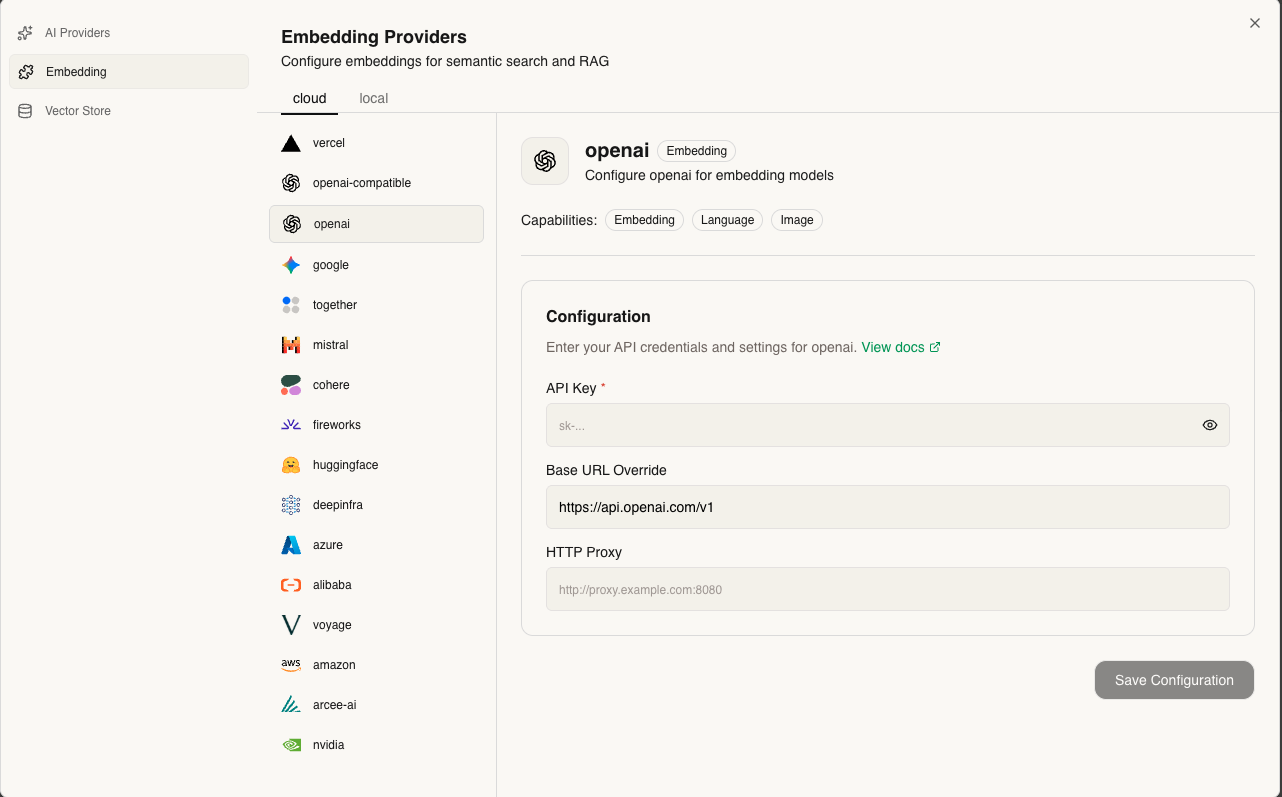
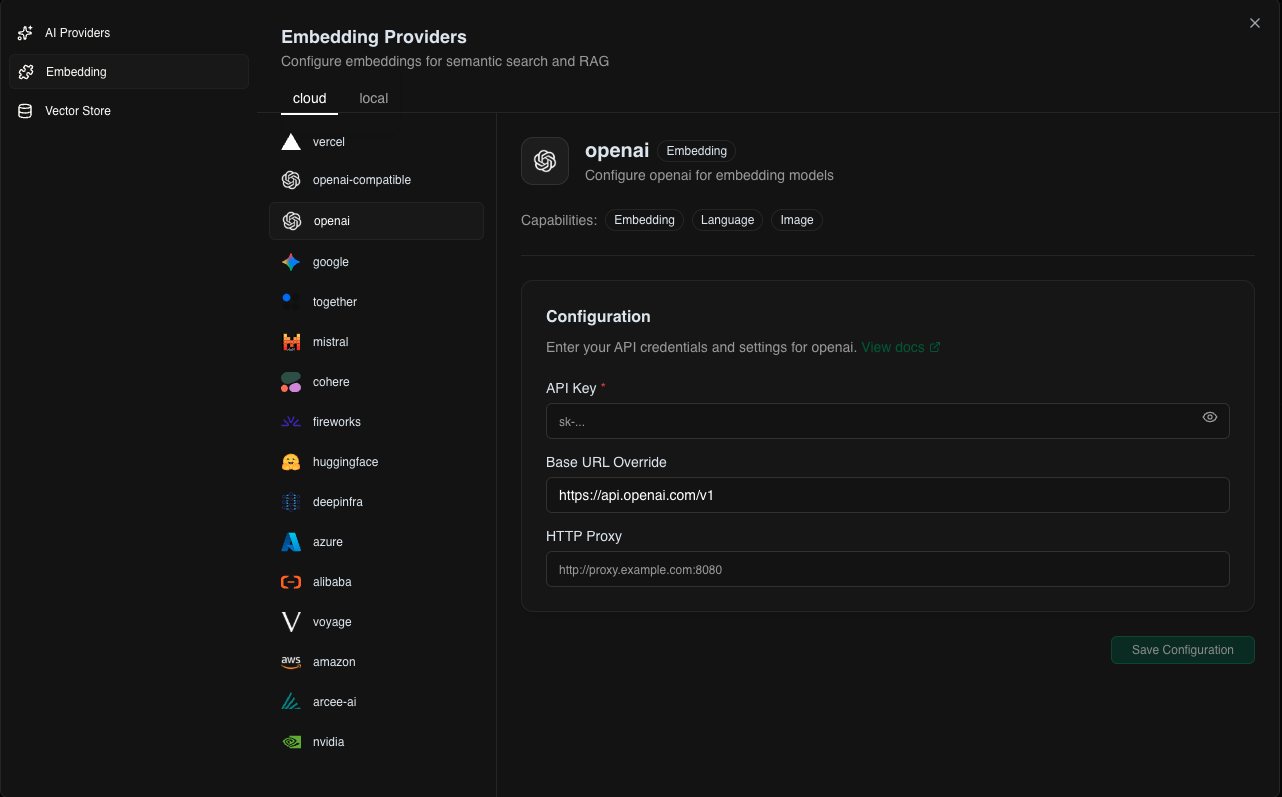
- Local: Ollama embeddings
- Cloud: OpenAI, Cohere, etc.
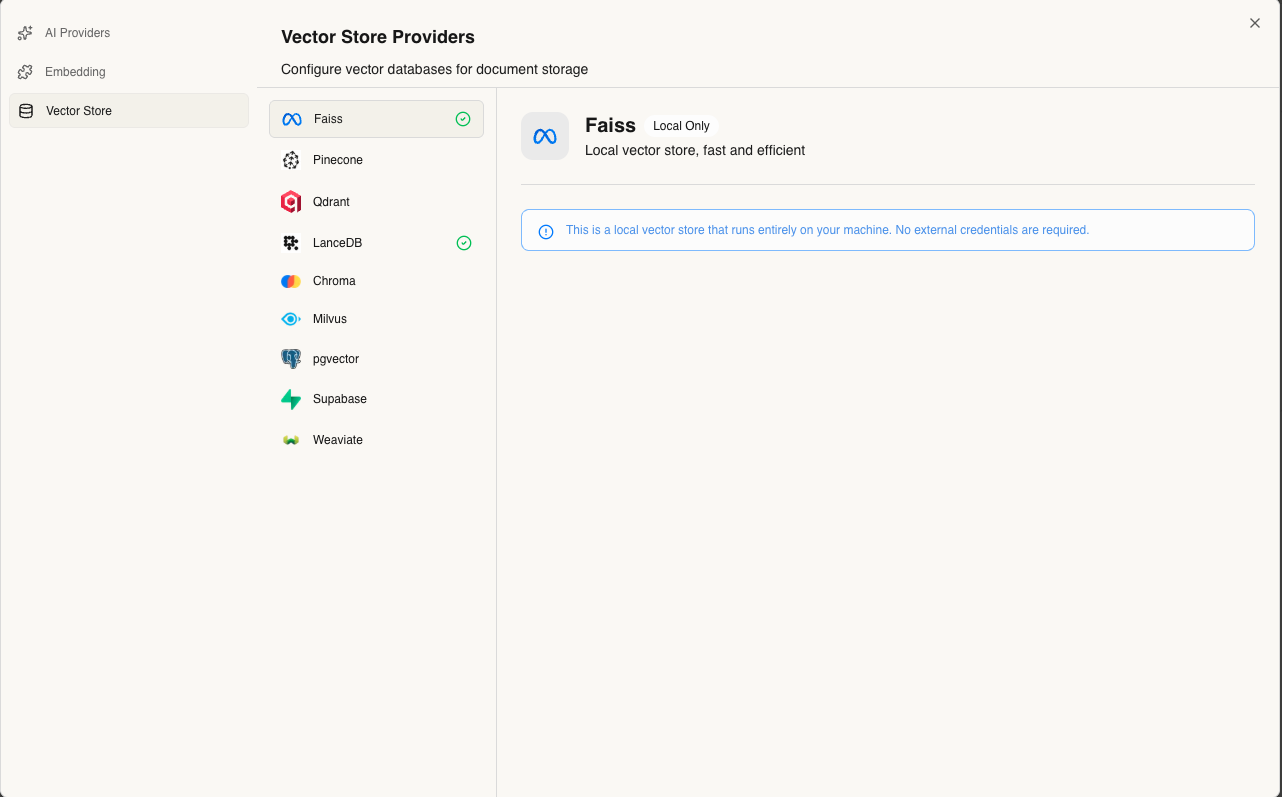
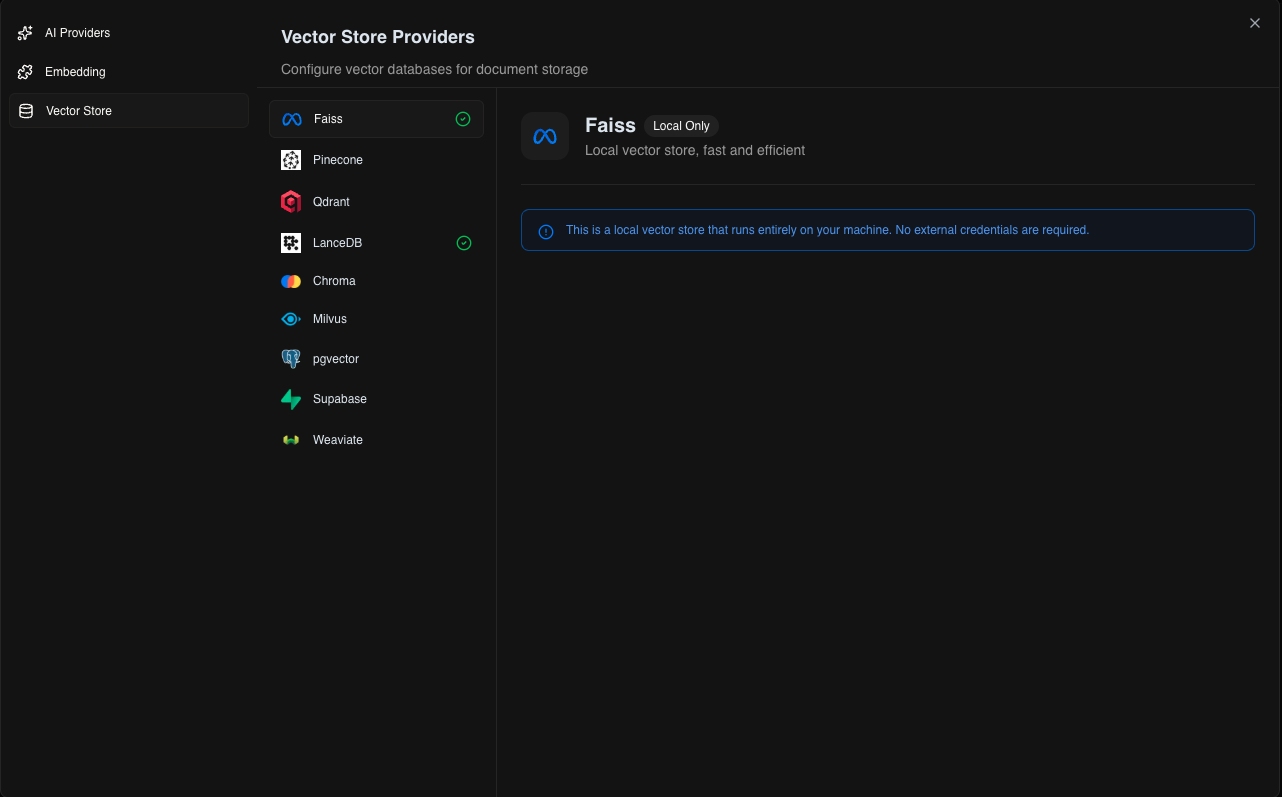
- Local: Faiss, LanceDB
- Cloud: Pinecone, Weaviate, etc.
Build Your Agent
Customize your agent with:1. Add Knowledge (Learn more)
Upload and index documents for your agent to reference.2. Create Tools (Learn more)
Design custom functions your agent can execute.3. Connect MCPs (Learn more)
Integrate and connect with external MCPs and protocols.
Start Using Your Agent
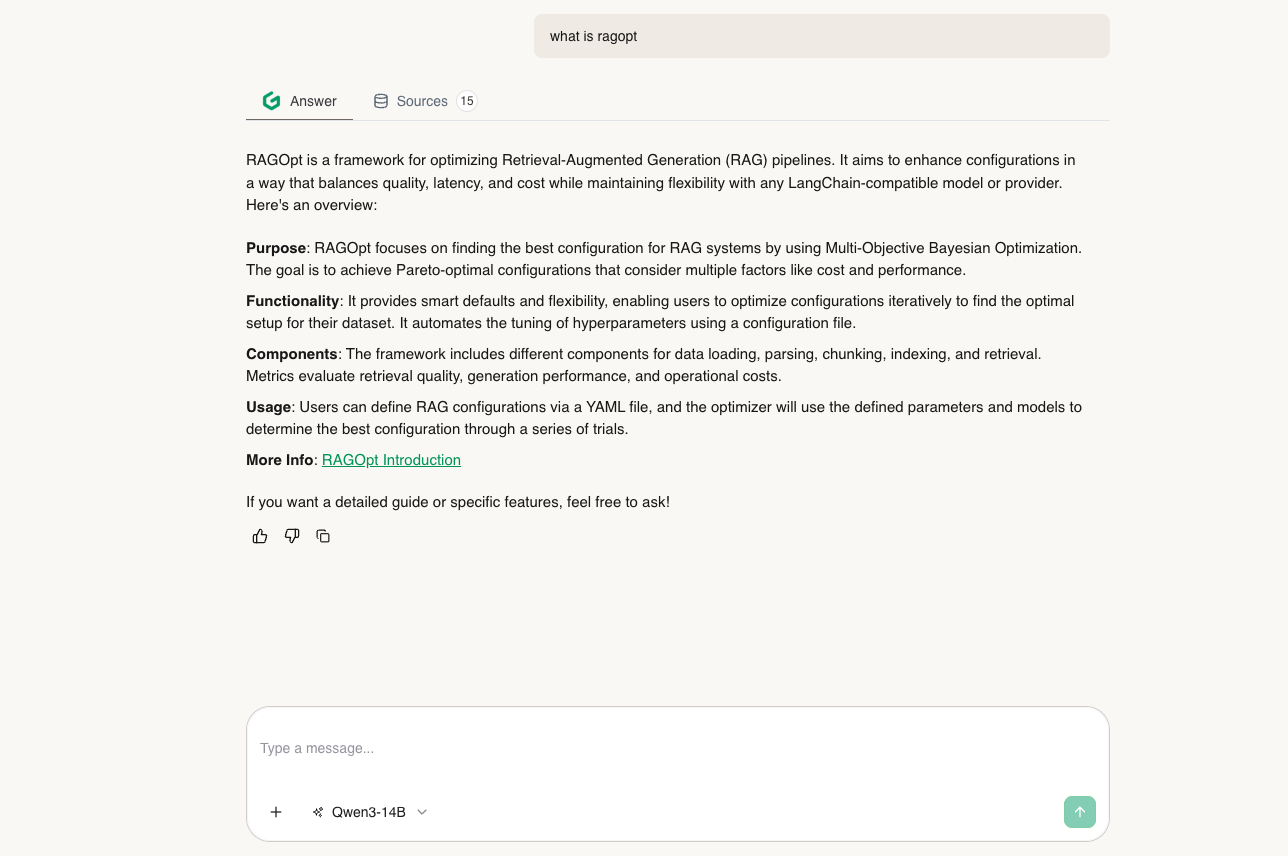
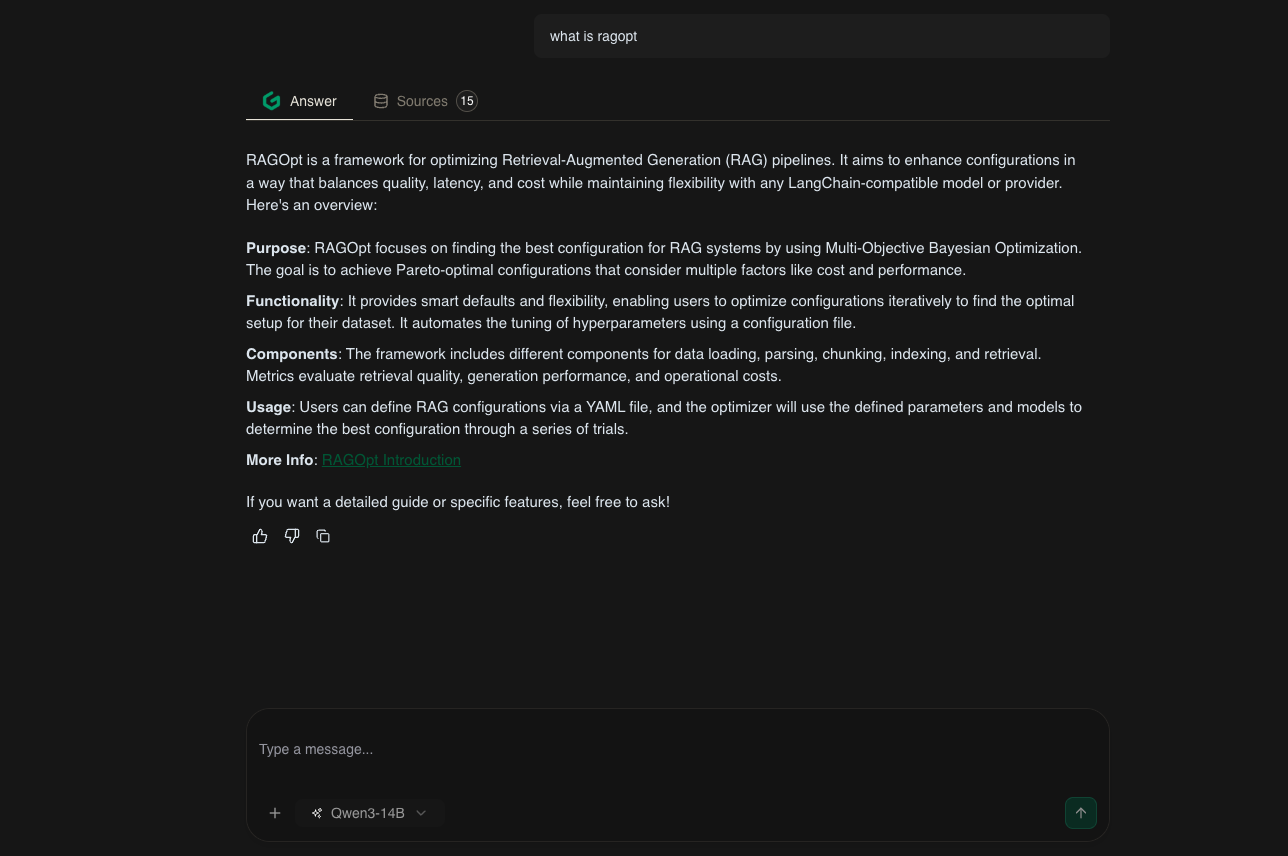
Next Steps: Check out the Features to explore everything GAIA AI can do!