Introduction
GAIA AI provides a comprehensive REST API that enables you to:- Build AI Applications: Create intelligent agents with multiple AI providers
- Manage Knowledge: Upload and search through documents with RAG capabilities
- Execute Tools: Run custom tools and integrate external services
- OpenAI Compatible: Use OpenAI-compatible chat completions endpoint
- MCP Integration: Connect Model Context Protocol servers for extended functionality
Authentication
All API requests require authentication using a Bearer token in the Authorization header:Getting Your API Key
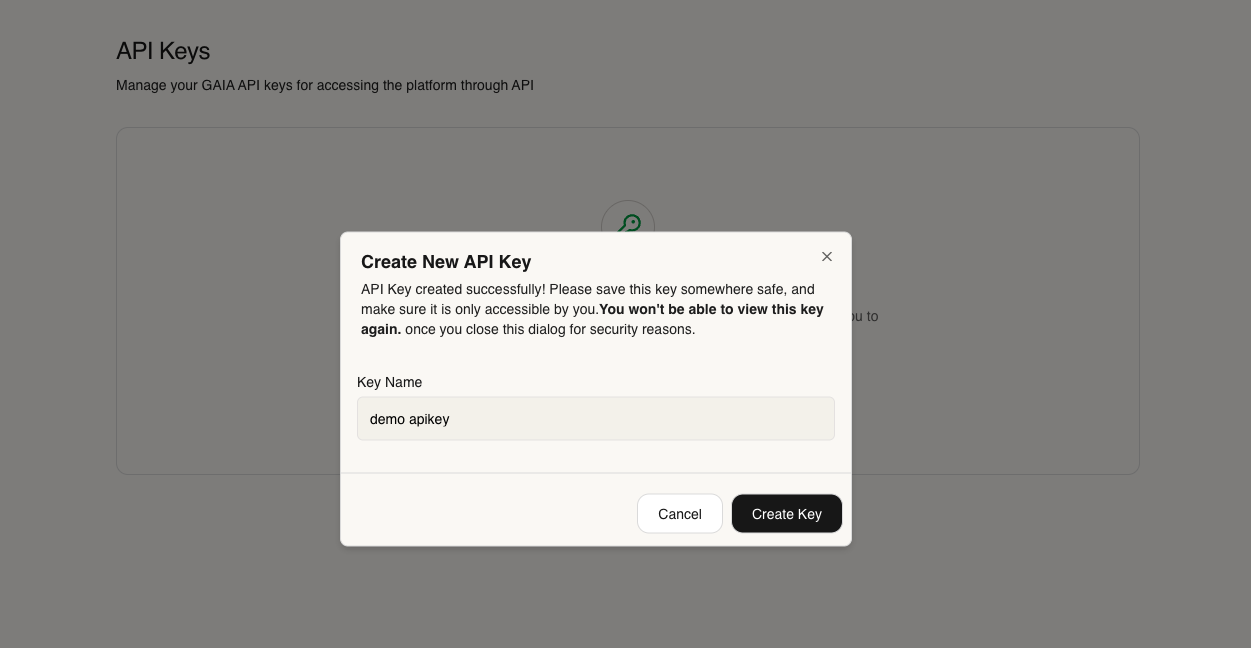
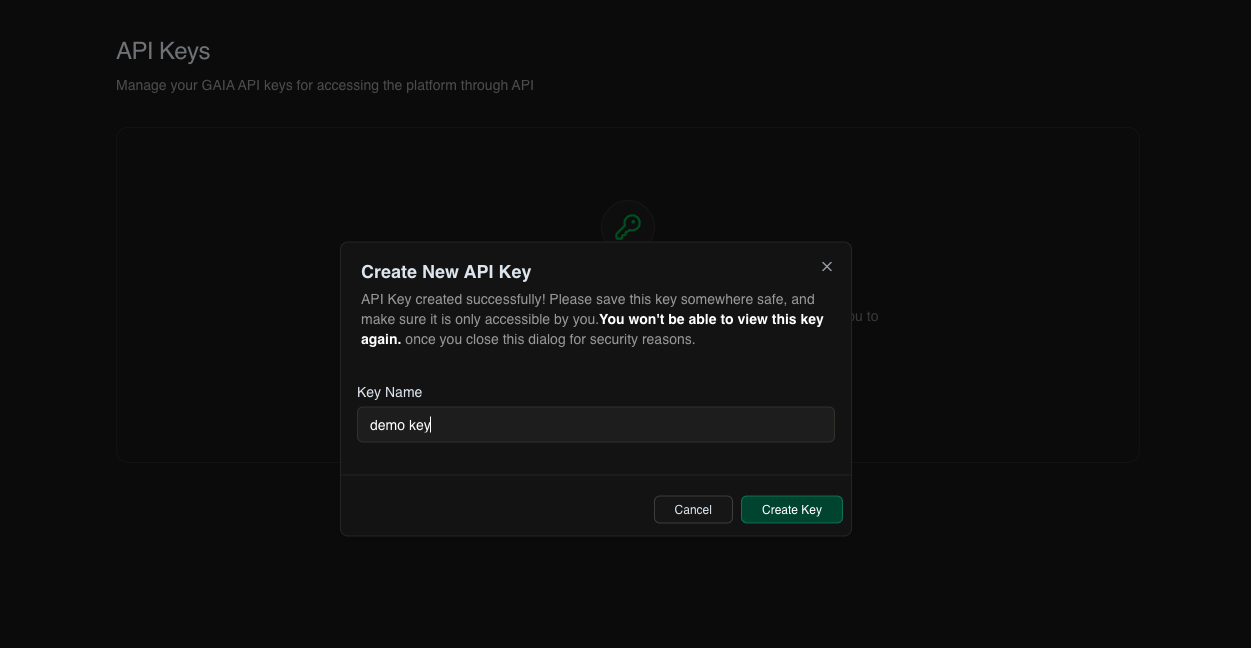
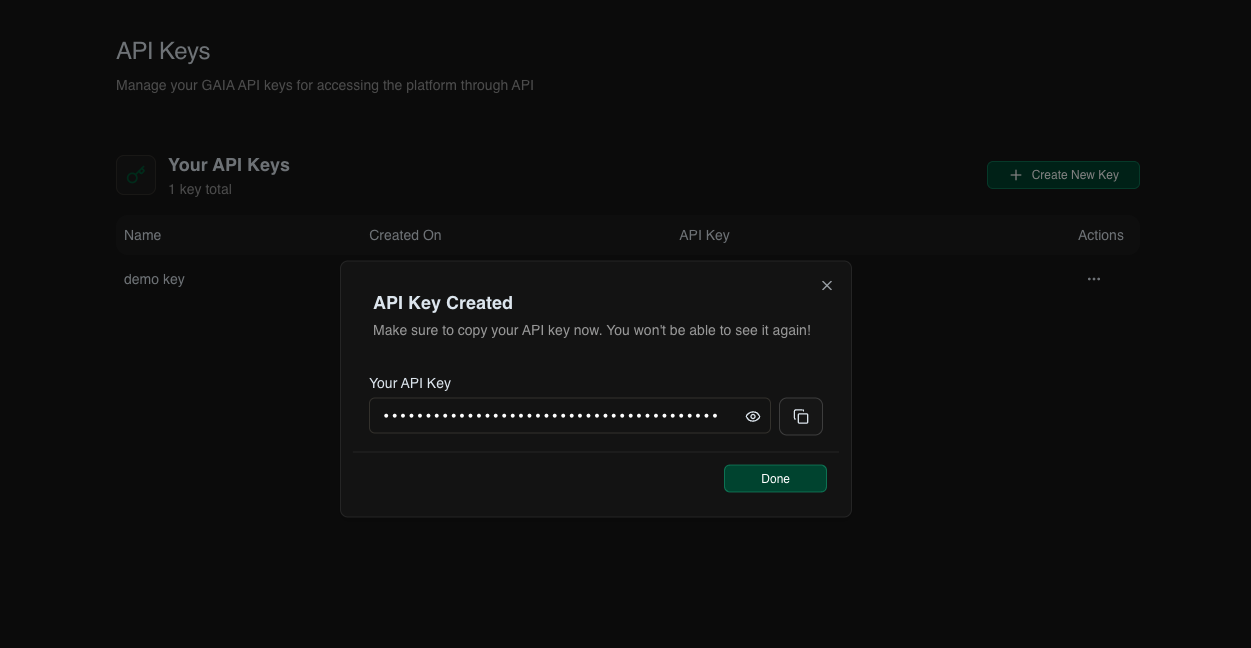
- Navigate to the API Keys page in your GAIA AI dashboard
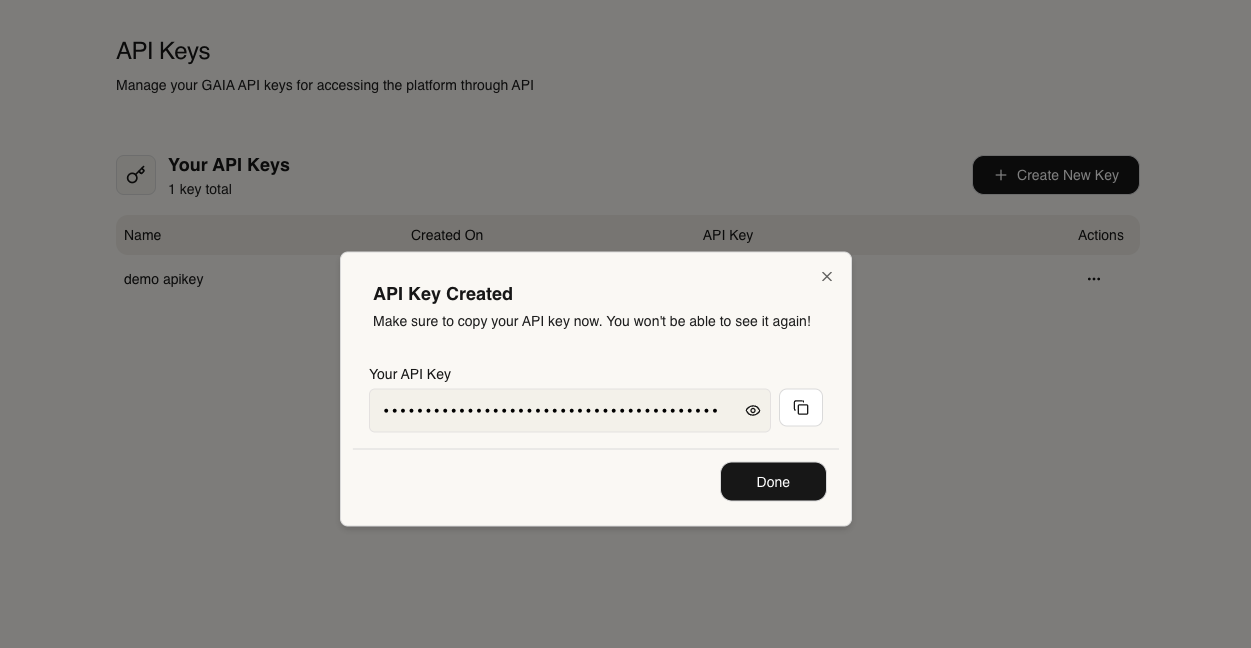
- Click “Create New Key” button
- Copy your generated API key and store it securely
Base URL
Local Development
Production
For production deployments, replacelocalhost with your server address:
Using HTTPS with Ngrok
To use GAIA AI with services that require HTTPS (like ChatGPT’s “Talk to a website” feature), you need to expose your local instance via ngrok:Quick Setup
Setup ngrok: You can check it here ngrokAvailable API Routes
AI
Manage AI providers, models, and configurations
Chat
OpenAI-compatible chat completions and streaming
Projects
Create and manage agent projects
Knowledge
Upload, search, and manage knowledge bases
MCP
Configure Model Context Protocol servers
Tools
Create and execute custom tools
Credentials
Manage API keys and provider credentials
Ollama
Manage local Ollama models and configurations