

Setup Your RAG Pipeline
1
Choose Vector Store Provider
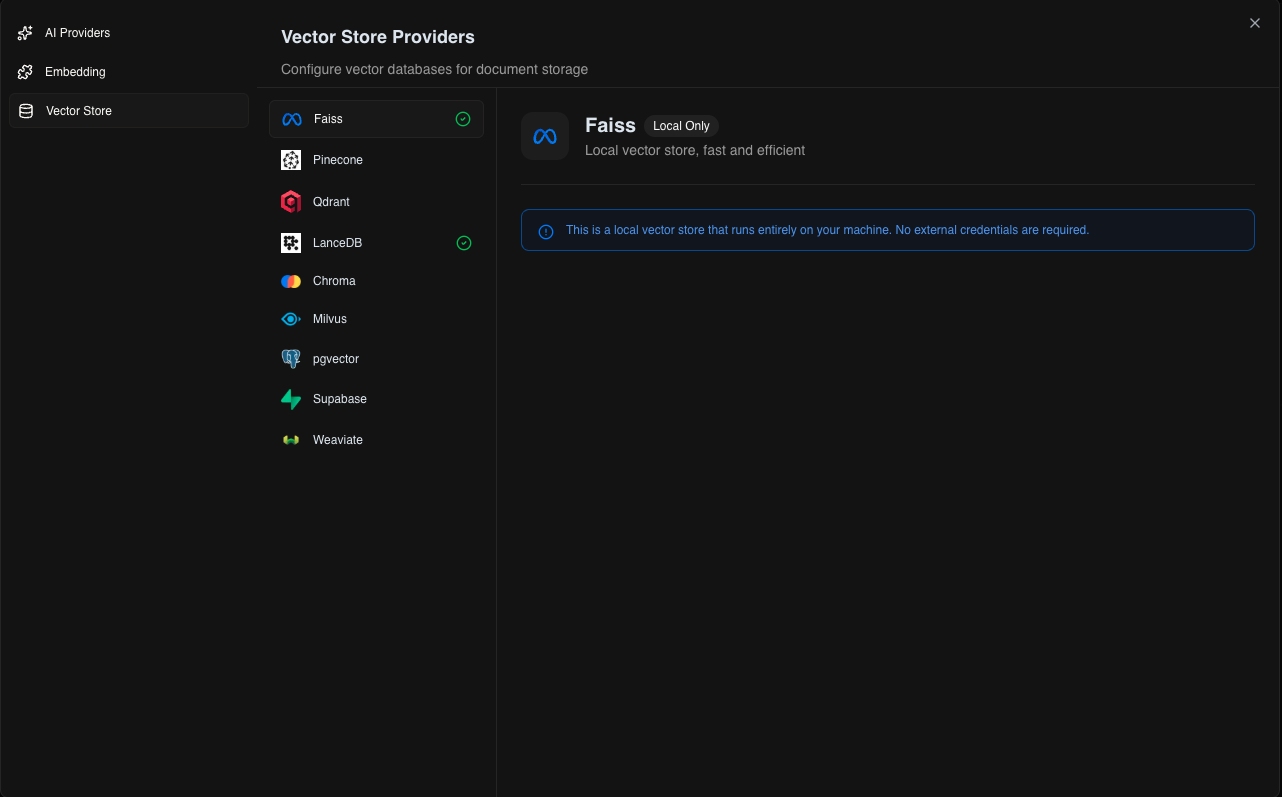
Select where to store your document embeddings: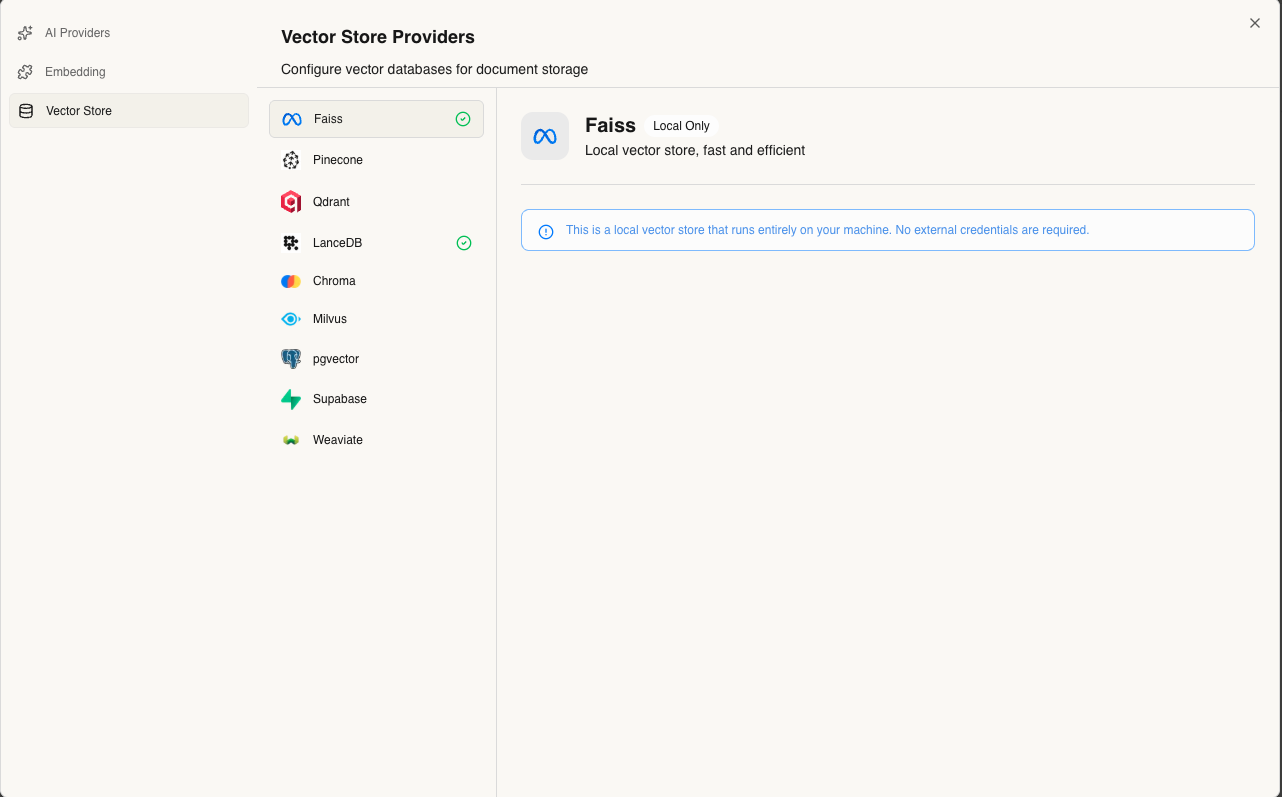
Local Options
- FAISS - Fast, in-memory (default for local development)
- LanceDB - Persistent, serverless storage
Cloud Options
- Pinecone - Managed, scalable vector database
- Qdrant - Self-hosted or cloud deployment
- Weaviate - GraphQL-based vector search
2
Select Embedding Model
Choose the embedding model that will convert your documents into vectors: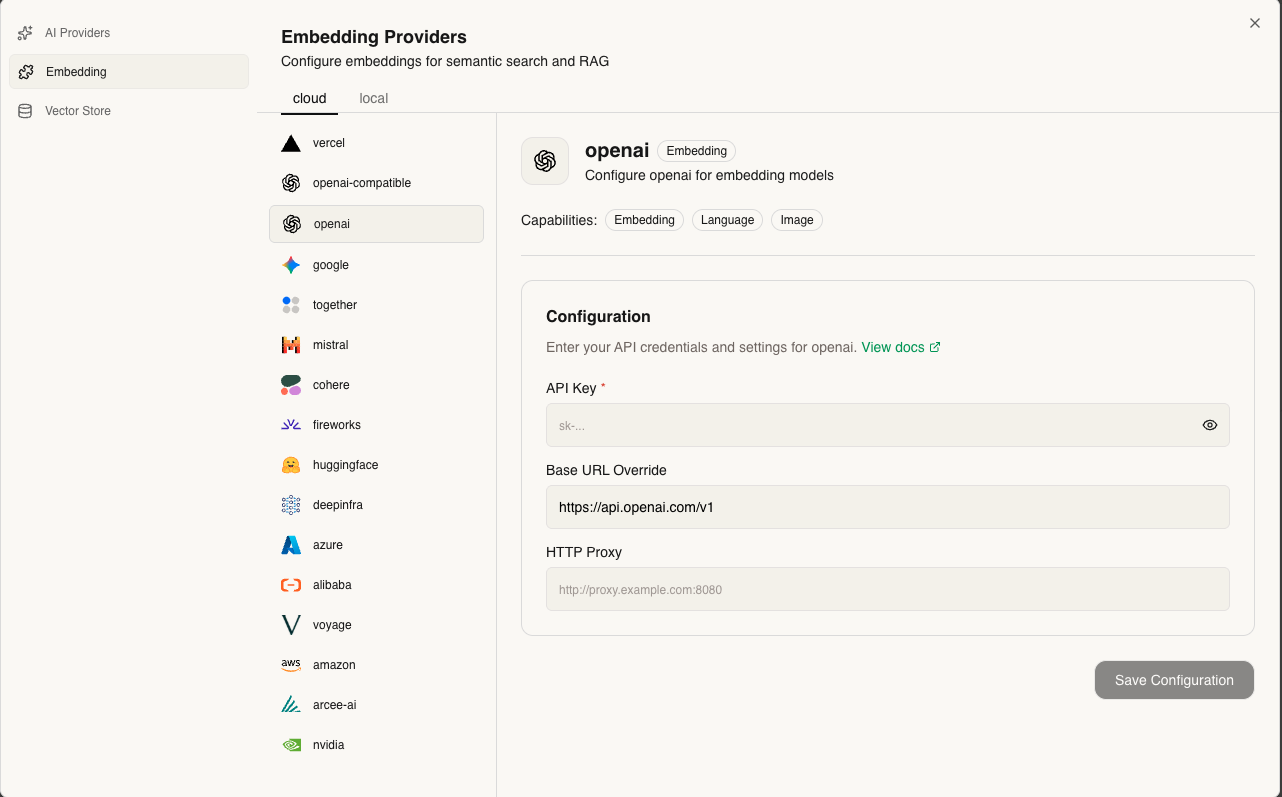
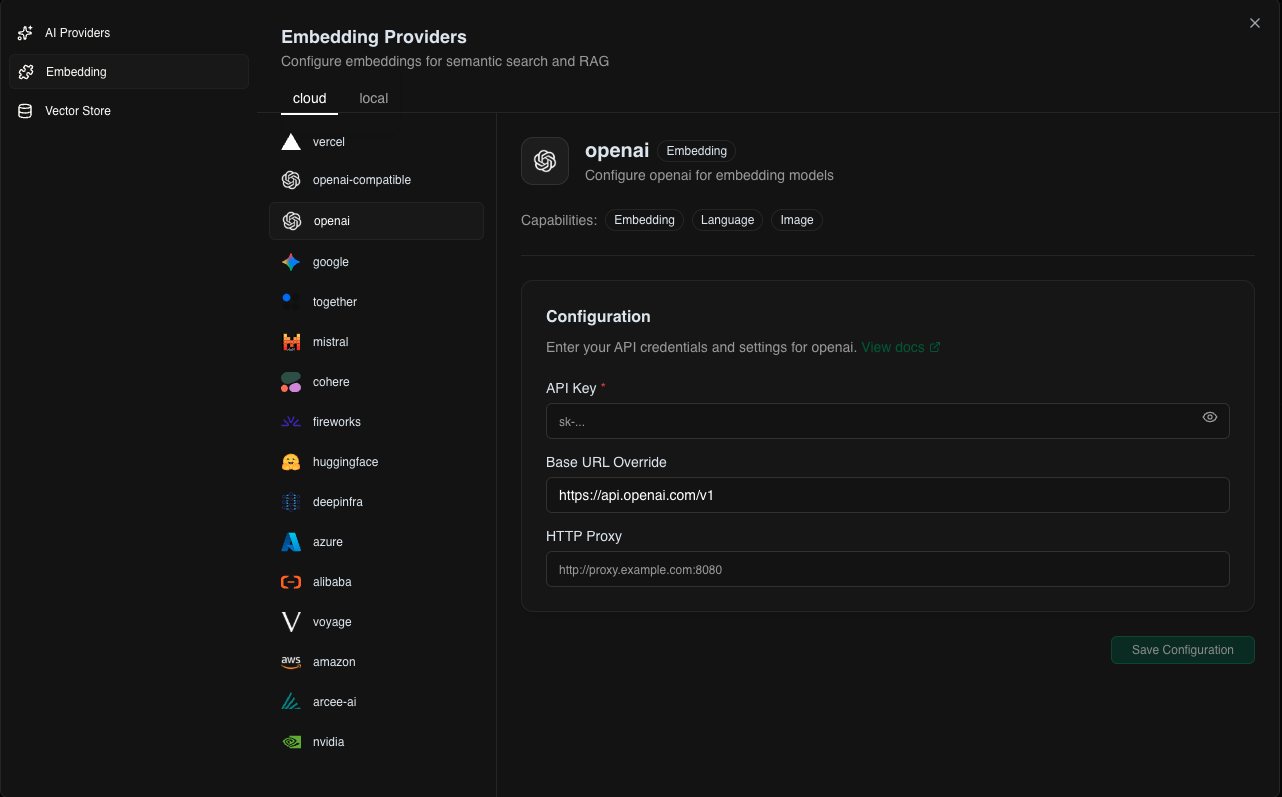
- Ollama embeddings (nomic-embed-text, mxbai-embed-large)
- OpenAI (text-embedding-3-small, text-embedding-3-large)
- Cohere (embed-english-v3.0, embed-multilingual-v3.0)
- Google (text-embedding-004)
3
Configure RAG Settings
Customize your knowledge retrieval settings: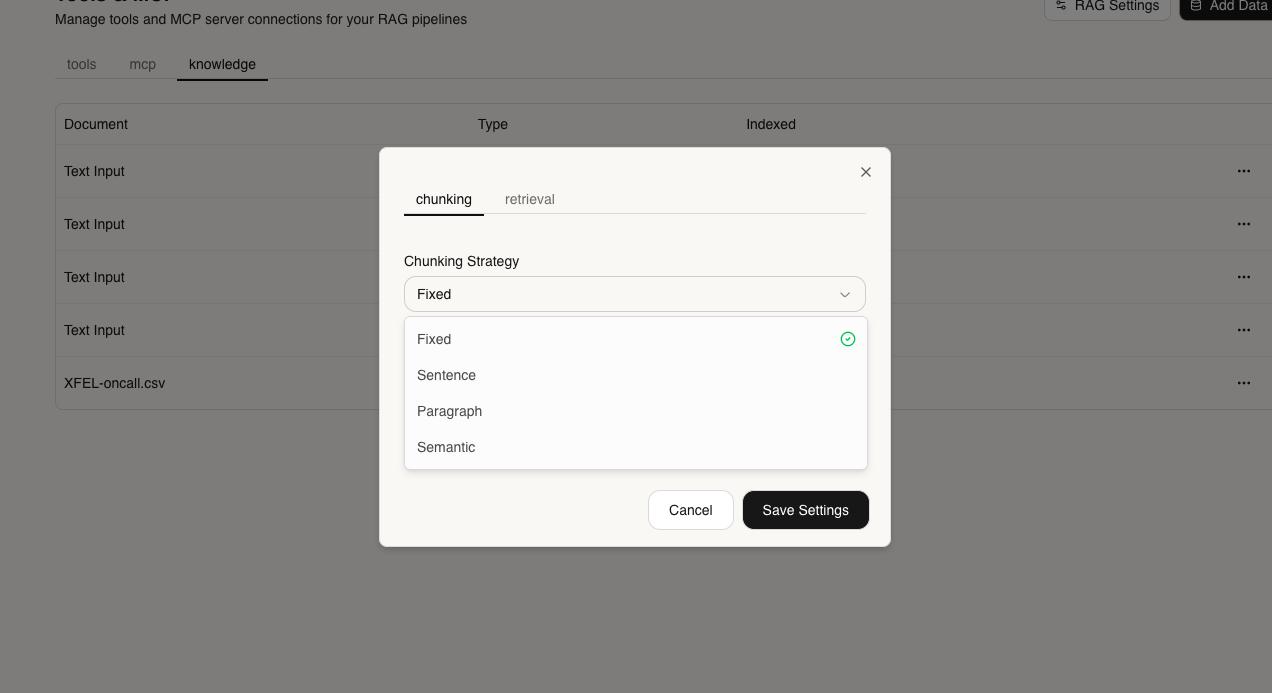
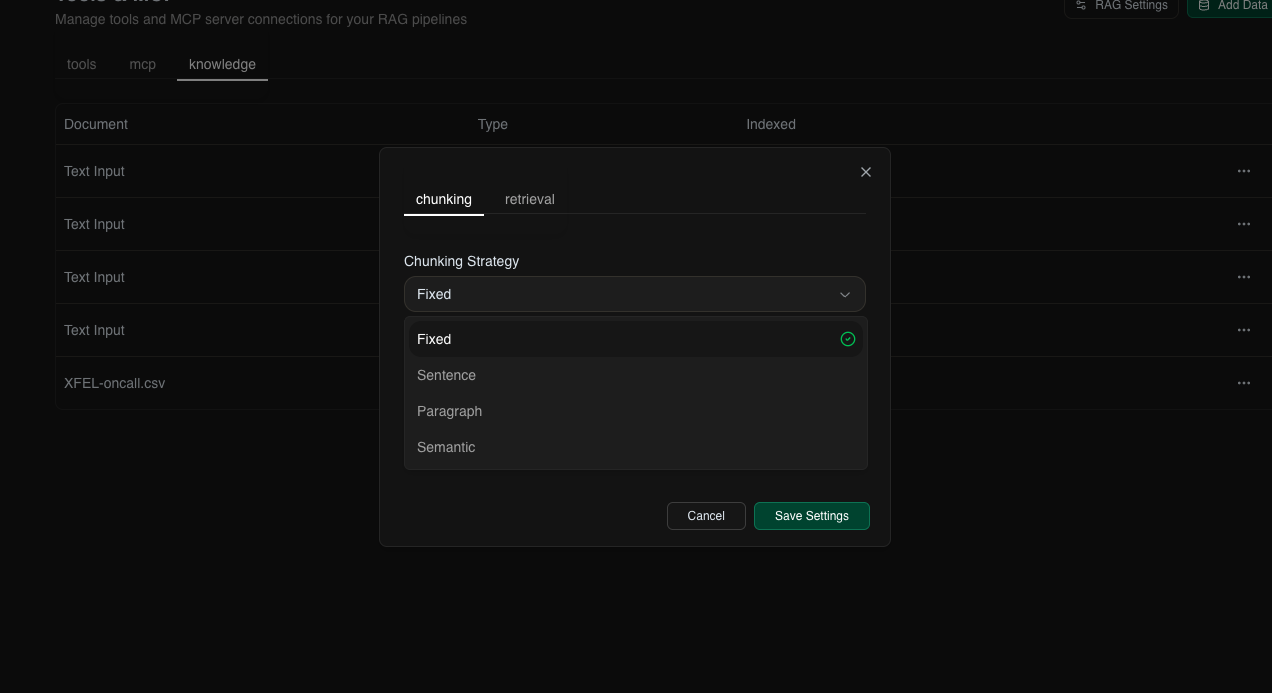
- Chunk Size - How to split documents (default: 1000 characters)
- Chunk Overlap - Overlap between chunks (default: 200 characters)
- Top K - Number of relevant chunks to retrieve (default: 5)
- Similarity Threshold - Minimum relevance score (0-1)
4
Enable Full-Text Search (Optional)
Add keyword-based search alongside vector search: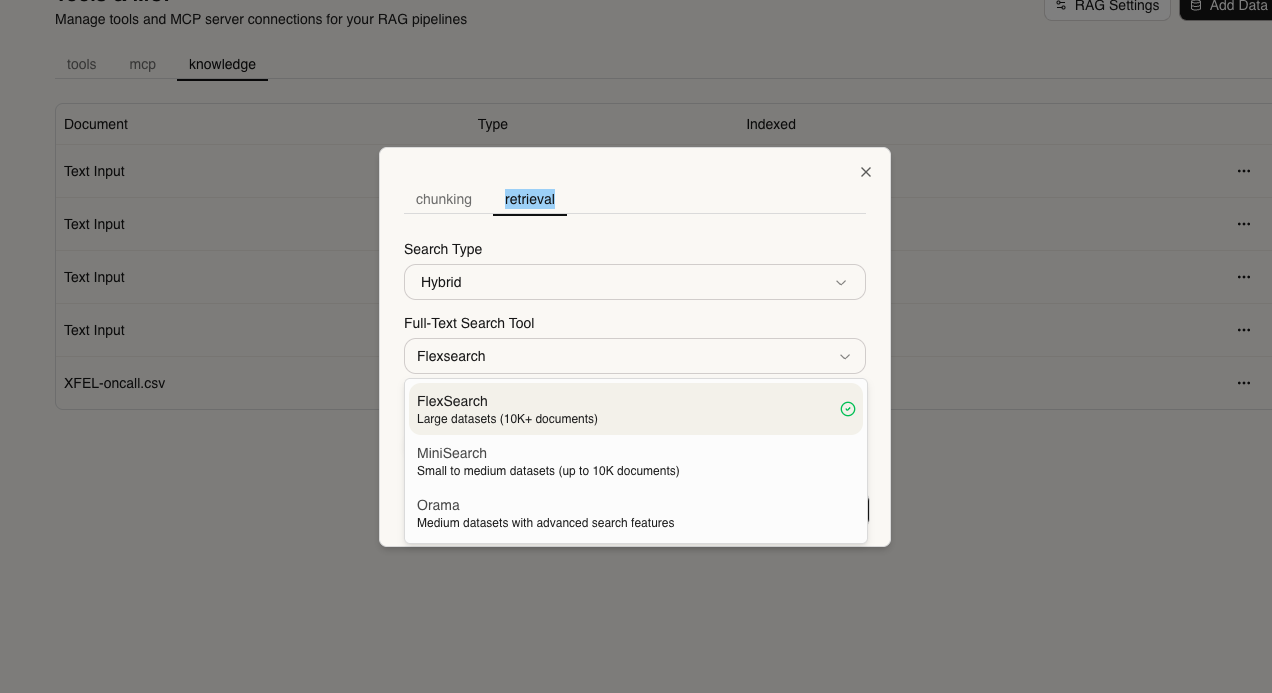
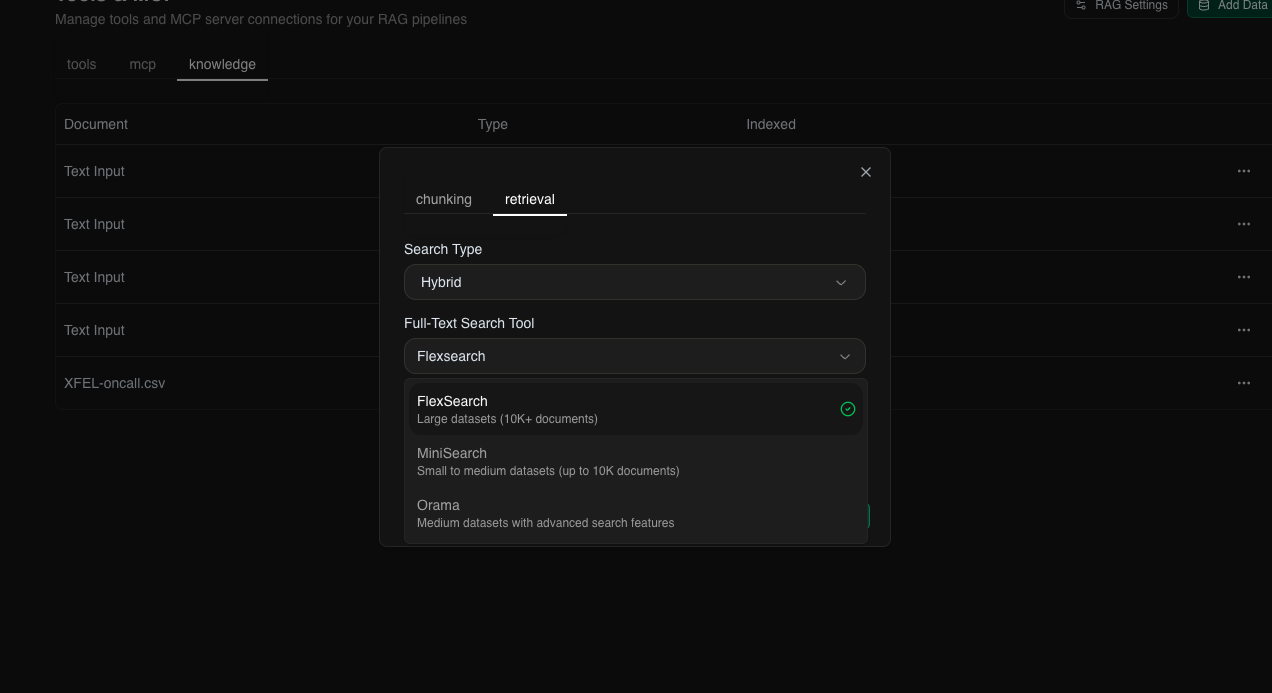
- FlexSearch - Fast, flexible search
- MiniSearch - Lightweight, full-featured
- Orama - Typo-tolerant, fast indexing
Adding Knowledge to Your Agent
Via UI
1
Navigate to Knowledge Tab
Go to your project and click the Knowledge tab
2
Upload Content
Supported formats:
- Documents: PDF, TXT, MD, DOCX, CSV
- Text: Enter Your Text
3
Start Using
Your agent can now reference this knowledge in conversations!
Via API
You can check api reference here Knowledge API ReferenceNext Steps:
- Create Custom Tools to enhance your agent’s capabilities
- API Reference for detailed API documentation