> ## Documentation Index
> Fetch the complete documentation index at: https://gaia-docs.com/llms.txt
> Use this file to discover all available pages before exploring further.
# Knowledge & RAG
> Add knowledge to your agents with Retrieval-Augmented Generation
Add documents, websites, or databases to your agents using RAG (Retrieval-Augmented Generation).
***
## Setup Your RAG Pipeline
Select where to store your document embeddings:
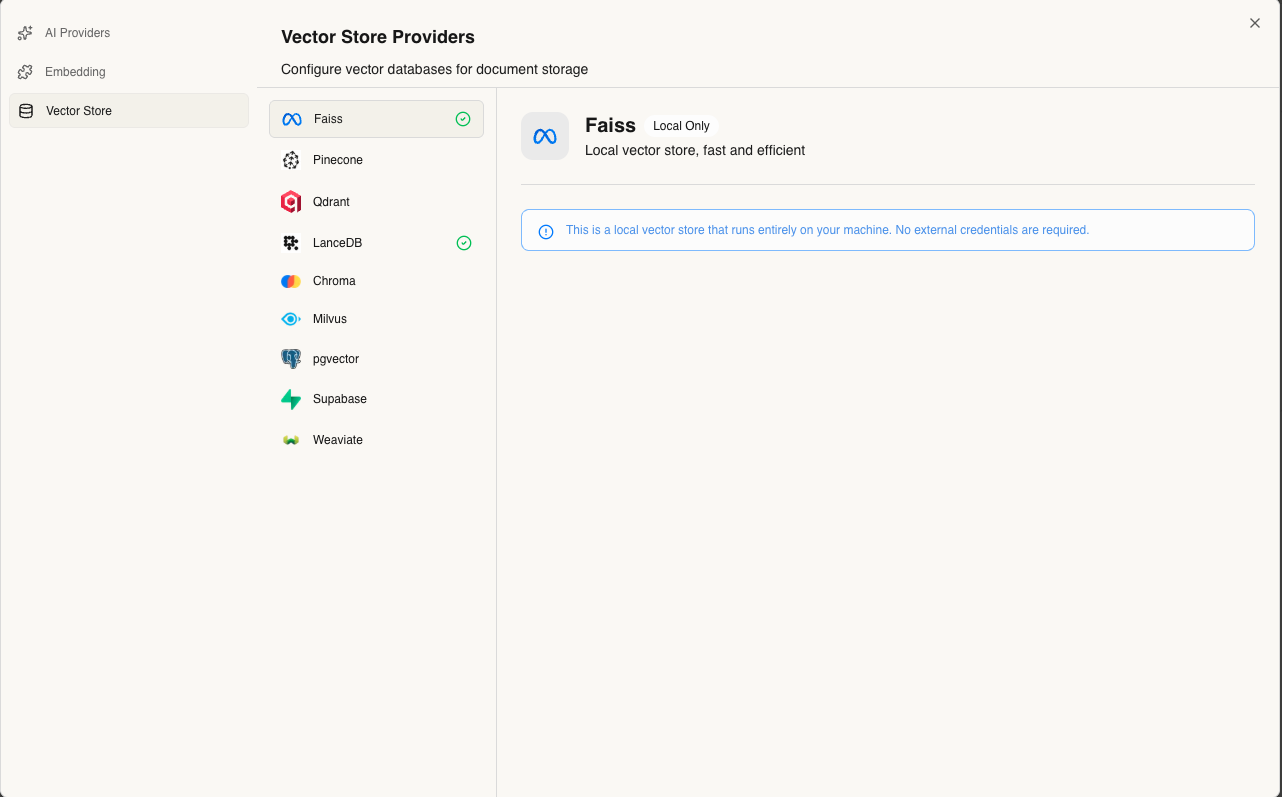
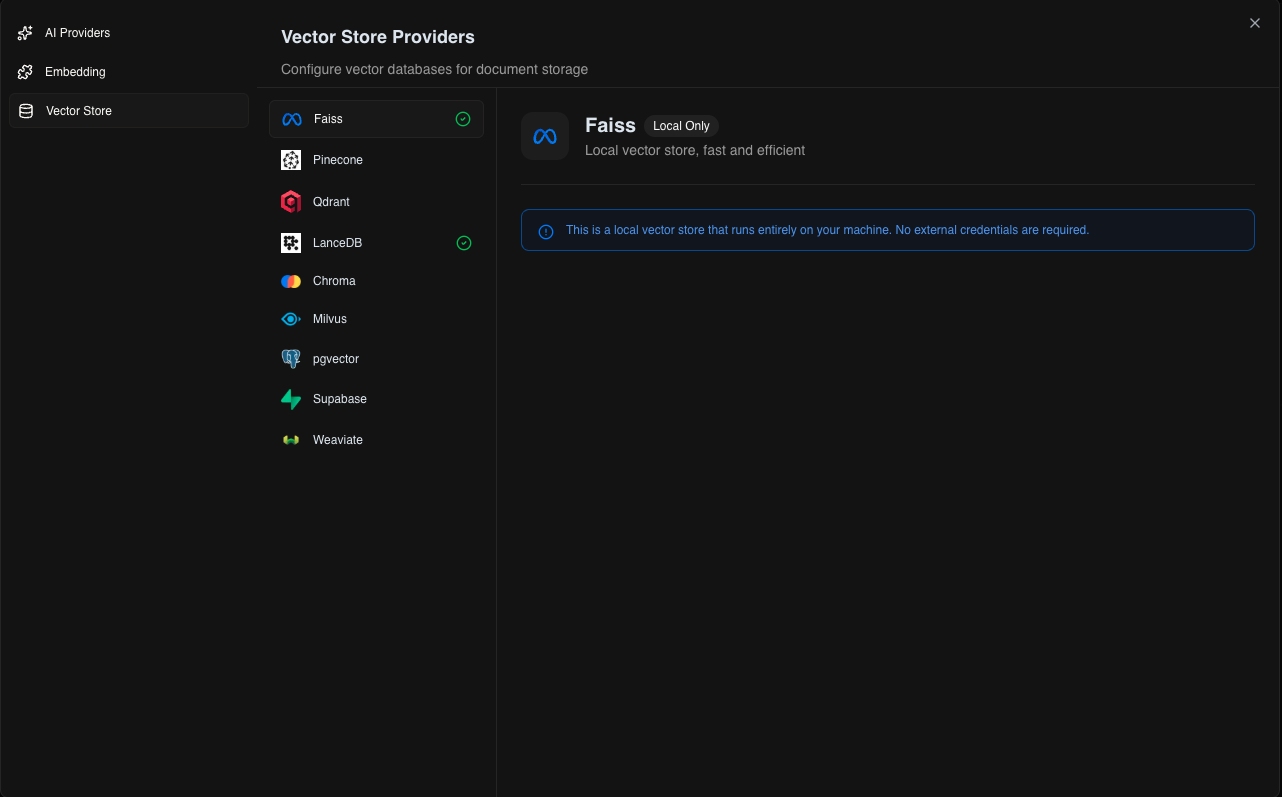 ### Local Options
* **FAISS** - Fast, in-memory (default for local development)
* **LanceDB** - Persistent, serverless storage
### Cloud Options
* **Pinecone** - Managed, scalable vector database
* **Qdrant** - Self-hosted or cloud deployment
* **Weaviate** - GraphQL-based vector search
Go to **Settings → Vector Stores** to configure your provider.
Choose the embedding model that will convert your documents into vectors:
### Local Options
* **FAISS** - Fast, in-memory (default for local development)
* **LanceDB** - Persistent, serverless storage
### Cloud Options
* **Pinecone** - Managed, scalable vector database
* **Qdrant** - Self-hosted or cloud deployment
* **Weaviate** - GraphQL-based vector search
Go to **Settings → Vector Stores** to configure your provider.
Choose the embedding model that will convert your documents into vectors:
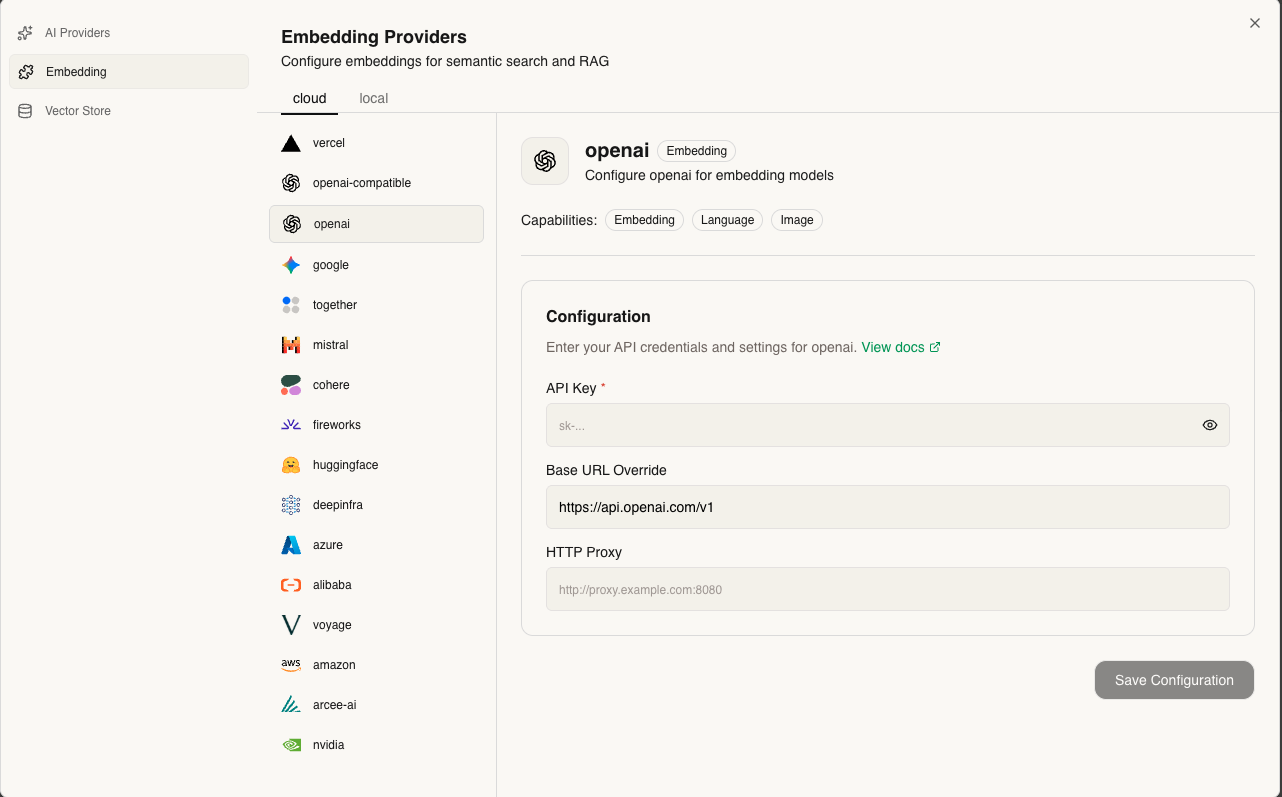
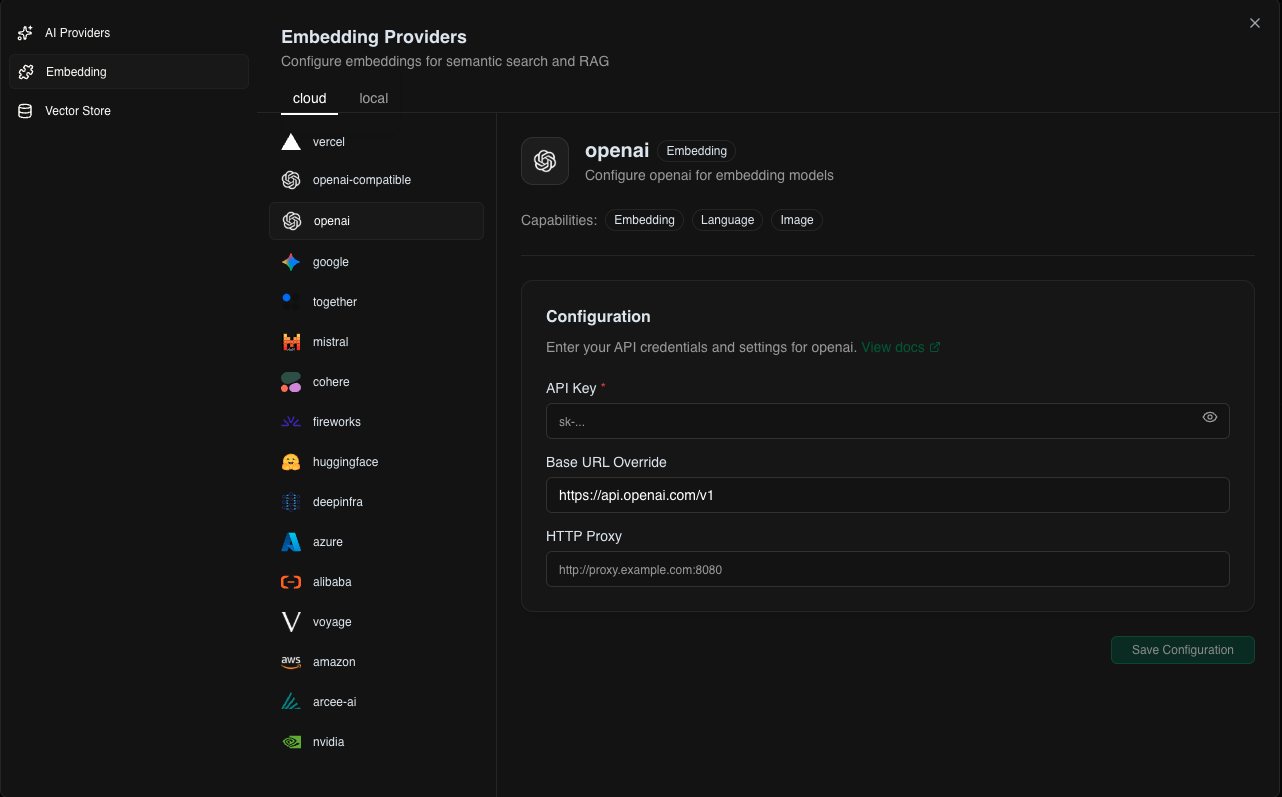 **Local Options:**
* Ollama embeddings (nomic-embed-text, mxbai-embed-large)
**Cloud Options:**
* OpenAI (text-embedding-3-small, text-embedding-3-large)
* Cohere (embed-english-v3.0, embed-multilingual-v3.0)
* Google (text-embedding-004)
Configure in **Settings → Embedding Models**
Customize your knowledge retrieval settings:
**Local Options:**
* Ollama embeddings (nomic-embed-text, mxbai-embed-large)
**Cloud Options:**
* OpenAI (text-embedding-3-small, text-embedding-3-large)
* Cohere (embed-english-v3.0, embed-multilingual-v3.0)
* Google (text-embedding-004)
Configure in **Settings → Embedding Models**
Customize your knowledge retrieval settings:
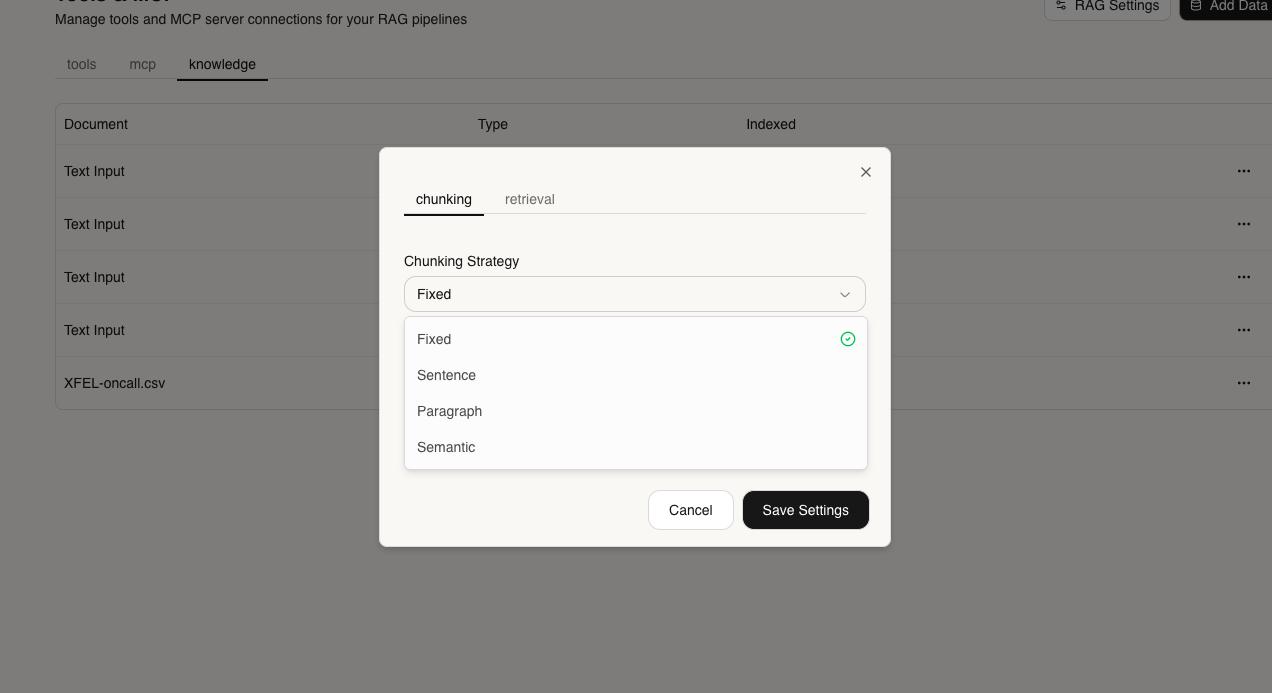
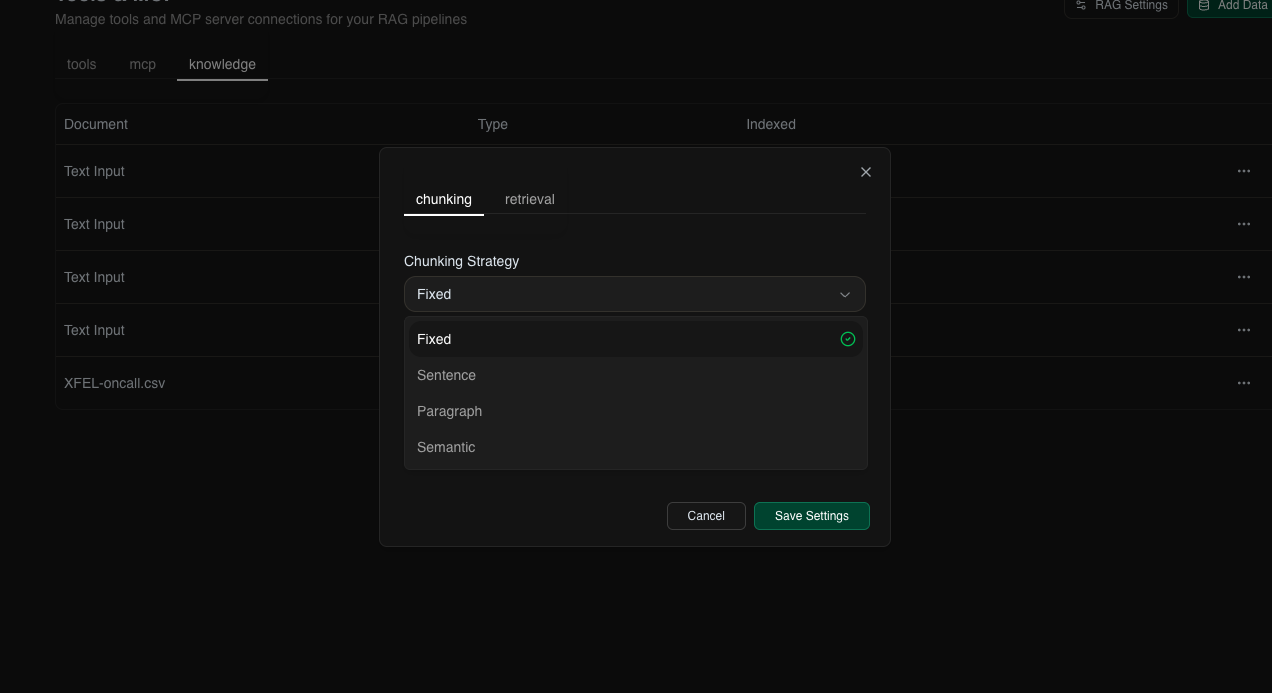 **Key Parameters:**
* **Chunk Size** - How to split documents (default: 1000 characters)
* **Chunk Overlap** - Overlap between chunks (default: 200 characters)
* **Top K** - Number of relevant chunks to retrieve (default: 5)
* **Similarity Threshold** - Minimum relevance score (0-1)
Access via **Project Settings → RAG Configuration**
Add keyword-based search alongside vector search:
**Key Parameters:**
* **Chunk Size** - How to split documents (default: 1000 characters)
* **Chunk Overlap** - Overlap between chunks (default: 200 characters)
* **Top K** - Number of relevant chunks to retrieve (default: 5)
* **Similarity Threshold** - Minimum relevance score (0-1)
Access via **Project Settings → RAG Configuration**
Add keyword-based search alongside vector search:
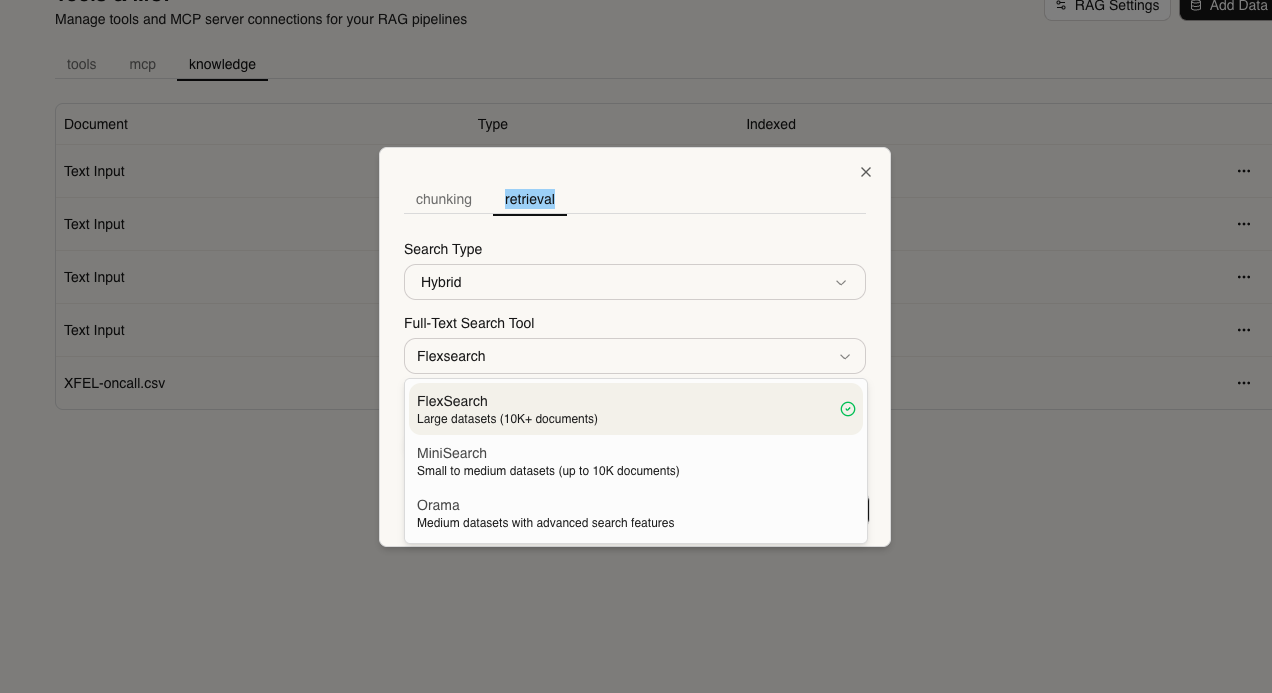
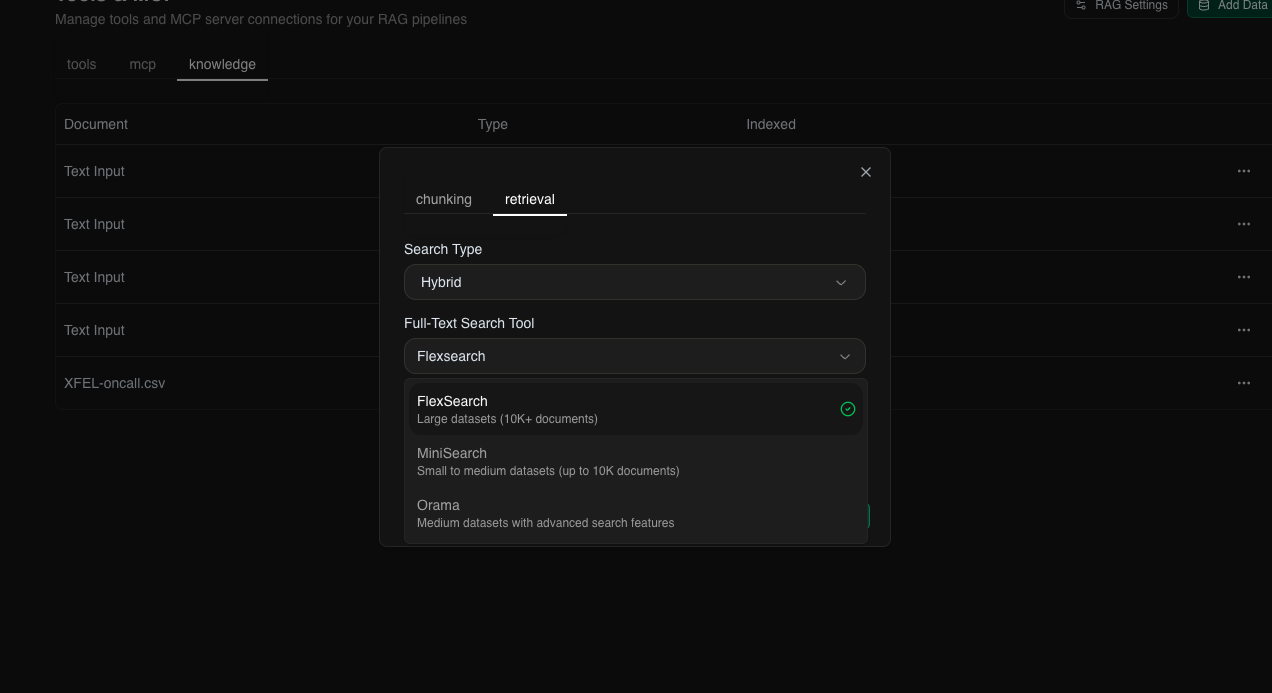 **Available Options:**
* **FlexSearch** - Fast, flexible search
* **MiniSearch** - Lightweight, full-featured
* **Orama** - Typo-tolerant, fast indexing
***
## Adding Knowledge to Your Agent
### Via UI
Go to your project and click the **Knowledge** tab
**Supported formats:**
* Documents: PDF, TXT, MD, DOCX, CSV
* Text: Enter Your Text
GAIA automatically chunks and embeds your content
Your agent can now reference this knowledge in conversations!
### Via API
You can check api reference here [Knowledge API Reference](/api-reference/knowledge/create-index)
***
**Next Steps:**
* [Create Custom Tools](/features/tools) to enhance your agent's capabilities
* [API Reference](/api-reference/knowledge/create-index) for detailed API documentation
**Available Options:**
* **FlexSearch** - Fast, flexible search
* **MiniSearch** - Lightweight, full-featured
* **Orama** - Typo-tolerant, fast indexing
***
## Adding Knowledge to Your Agent
### Via UI
Go to your project and click the **Knowledge** tab
**Supported formats:**
* Documents: PDF, TXT, MD, DOCX, CSV
* Text: Enter Your Text
GAIA automatically chunks and embeds your content
Your agent can now reference this knowledge in conversations!
### Via API
You can check api reference here [Knowledge API Reference](/api-reference/knowledge/create-index)
***
**Next Steps:**
* [Create Custom Tools](/features/tools) to enhance your agent's capabilities
* [API Reference](/api-reference/knowledge/create-index) for detailed API documentation